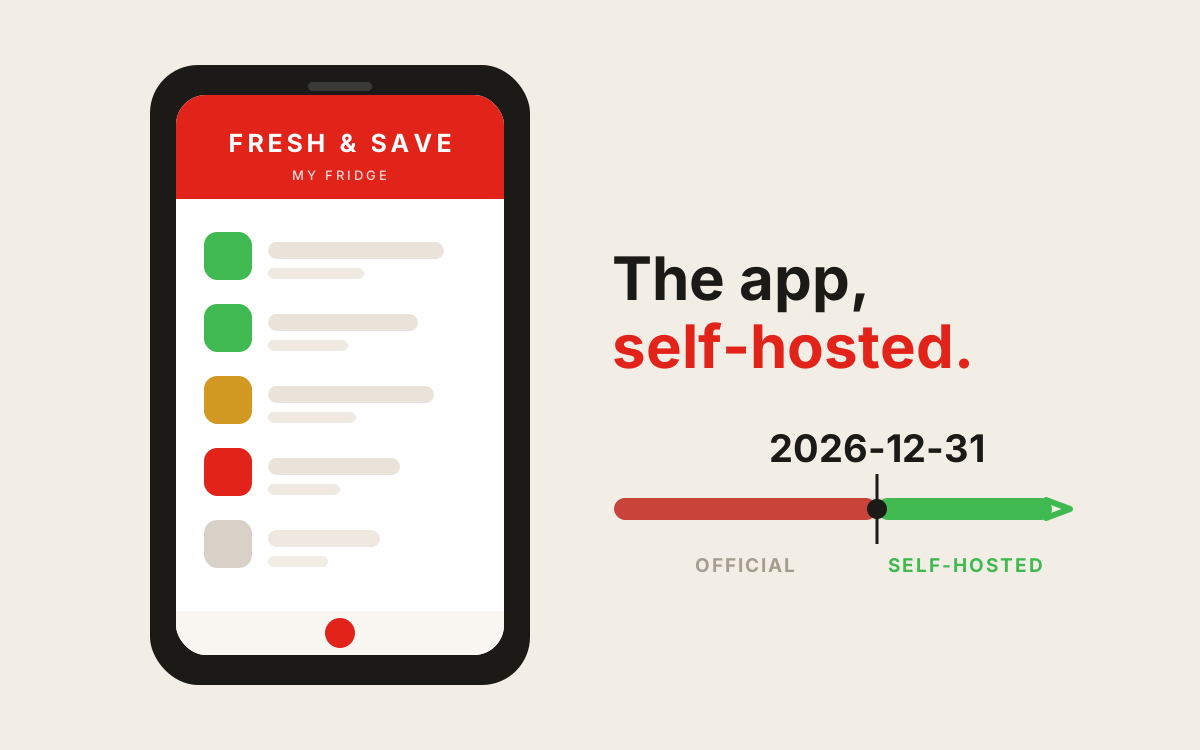
The servers shut down 2026-12-31; the boxes don’t. I rebuilt the app’s GraphQL backend as a Cloudflare Worker (D1 + R2, hardened auth) and repointed the real app at it.
ZWILLING FRESH & SAVE, self-hosted
The official app dies 2026-12-31. The vacuum boxes don't. This runs the real Android app against your own backend so you keep scanning boxes, logging food, and getting expiry reminders after the servers go dark.
- Backend: one Cloudflare Worker + D1 + R2. Deploy with one script.
- Client: the real app, its API URL repointed at yours. No cert pinning, so no app internals change beyond the URL (and, optionally, your Firebase for push).
Features
| Feature | State |
|---|---|
| Inventory: add / edit / expiry / "eaten" | works |
| Box QR scan (parsed on-device) | works |
| Item photos (your R2) | works |
| Shopping lists | works |
| Food-group + shelf-life presets, 15 languages | seeded |
| Family group sharing | works |
| Daily expiry push | optional (Firebase) |
Auth is email + password. Social login is off (a self-host has no OAuth server, so the app hides those buttons).
Prerequisites
- bun,
python3,openssl - A Cloudflare account (free)
- Enable R2 once: dashboard → R2 → Enable (free tier, no card needed for this)
Install
git clone https://github.com/KazeTachinuu/zwilling-selfhost && cd zwilling-selfhost
./install.sh          # idempotent, re-run anytime
./check.sh            # verify the deployment is wired correctly
install.sh logs into Cloudflare, creates D1 + R2, sets a strong JWT_SECRET,
migrates + seeds, deploys, and makes your first account. Two prompts: custom domain
(blank = free *.workers.dev) and open registration (y/N).
Accounts
Closed by default, you create each one:
cd cloudflare
bun run admin:create-user -- dad@home.local 'a good passphrase' --remote
Point the app at your backend
One person builds the app once; everyone else just downloads it from your /app
page (see "Sharing with your household" below). Family members need no tooling and no
original APK, only the download.
1. Get the genuine app (safely)
The repo can't ship the ZWILLING app (proprietary), and a random "APK download" site is
how people get malware. Get it from
APKMirror (search
com.zwilling.rapier): it verifies every upload is signed by the original developer, so
a tampered build can't pass. Avoid any other "apk" site.
2. Build the universal APK (done once, by you)
This repoints the app at your backend, applies the patches, and produces one
self-contained zwilling-universal.apk (arm64 + v7a). It is a one-time technical step
(needs java 17+ and your google-services.json); the exact commands and prerequisites
are in tools/README.md.
3. Install (no adb, no developer mode)
- Uninstall the Play Store version first (Settings, it has a different signature).
- Get the universal APK onto the phone, easiest is to download it from your
/apppage (below), and tap it. Allow "install unknown apps" when prompted. That's it.
Share with your household
Do not publish the patched APK, it is a derivative of a proprietary app. Your own backend
hands it to the people you invite: upload your build to R2 and it is served, with a
branded install page, at /app:
cd cloudflare
wrangler r2 object put zwilling-photos/_dist/zwilling.apk --file /path/to/zwilling-universal.apk --remote
# your family opens https://YOUR-BACKEND/app and taps Télécharger
What the patches do:
| Patch | Why |
|---|---|
| API URL → your backend | the point |
| Firebase → your project | push from you (B only) |
| Hide dead tabs (Boutique / Magazine / Cuisiner) | those services are gone |
| Remove shutdown sticker | "au revoir 31 décembre" |
Network.isConnected() → true |
app's check is broken on Android 10+, blocks photo upload |
Push (optional)
Everything works without it. To enable the daily reminder:
- Firebase console → new project → add Android
app
com.zwilling.rapier→ downloadgoogle-services.json(used by build B). - Project settings → Service accounts → generate a private key (JSON).
cd cloudflare && wrangler secret put FCM_SERVICE_ACCOUNT(paste the JSON), setFCM_PROJECT_IDinwrangler.jsonc, thenbun run deploy.
Cron runs 08:00 UTC. Unset either value = disabled.
Development
cd cloudflare
bun install
bun run migrate:local
bun run dev        # localhost:8787
bun test           # 29 tests
bun run format     # biome
Layout
install.sh          deploy your backend
check.sh            verify a live deployment
cloudflare/         the Worker: GraphQL API, D1 migrations, tests
tools/
  patch_endpoint.py repoint the app's API URL (build A)
  apk-build/        full universal build (build B)
  export.py         pull your data out of the real app
  import.py         load it into your backend
preserved/          the app's GraphQL schema + seed data
Personal use / legal
Patch the app only for your own device and your own copy. Do not redistribute the ZWILLING APK or any patched build. This project is an independent, self-hosted reimplementation of the backend: it is not affiliated with, authorized by, or endorsed by ZWILLING. All trademarks belong to their respective owners.
How it works
The app talks GraphQL to a hardcoded host. patch_endpoint.py rewrites that host in
the APK; the Worker answers the same schema (97 operations) backed by D1 and R2. Data
is owner-scoped; family groups widen that scope to a shared household. Everything runs
on Web Crypto (no Node), so it fits the Workers runtime with no cold-start cost.