epita-pie-vm
The real EPITA PIE desktop (i3, toolchains, AFS, your configs) at home, built from epita/nixpie.
Virtual machine
Download (Proton Drive):
epita-pie-virtualbox.ova or epita-pie-vmware.ova (~13 GB each),
plus SHA256SUMS.
sha256sum -c SHA256SUMS
Import (VirtualBox: File > Import Appliance; VMware: File > Open), boot.
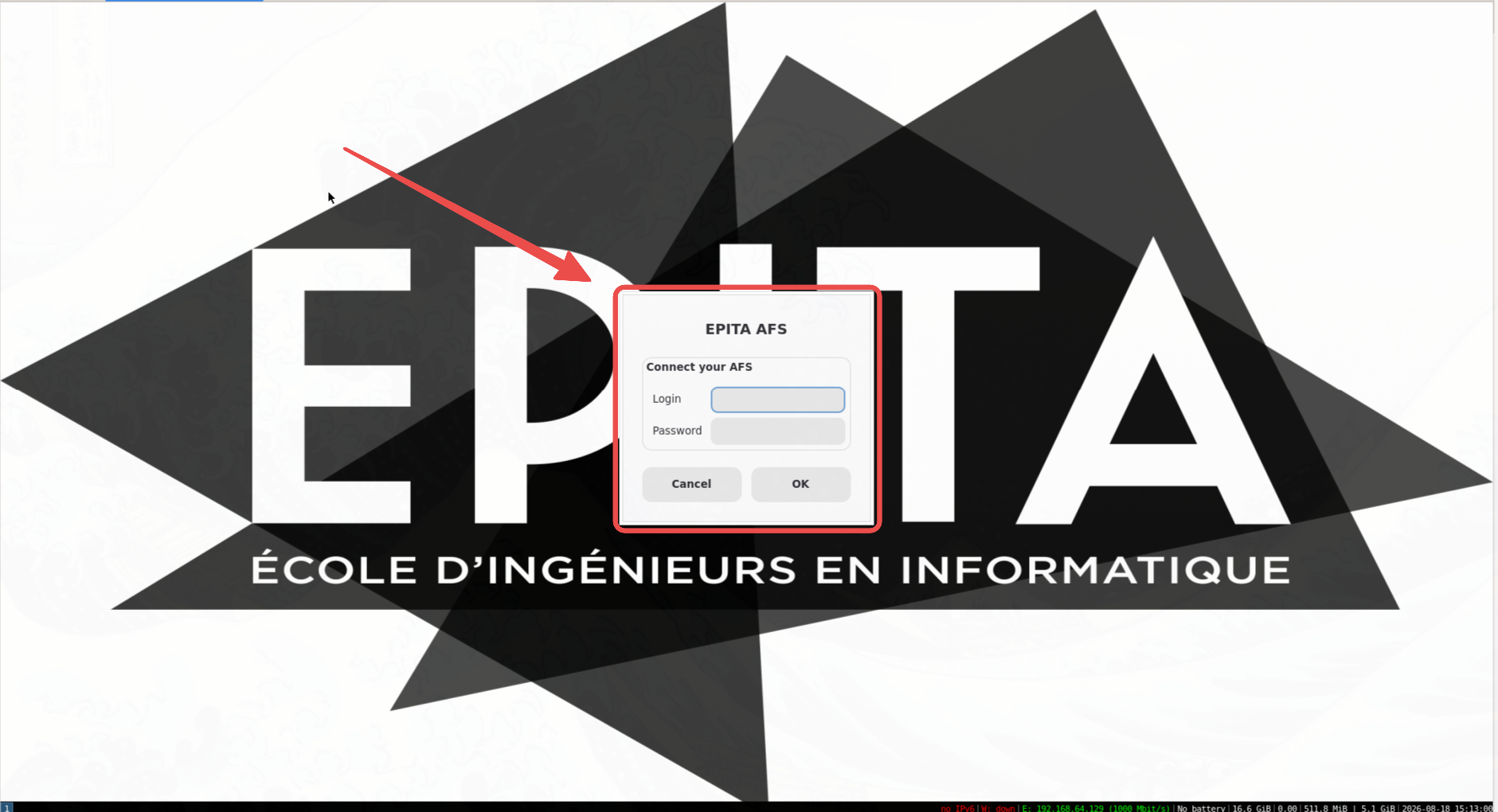
Log in on the AFS window for your real EPITA files, or skip it for a
local session (user epita, no password, /home/epita persists).
Defaults: 6 GB RAM, 4 CPUs, NAT. Any network, no VPN.
Snapshot right after importing: that is your factory reset.
Docker container
The same desktop over VNC, no hypervisor. Needs docker and a VNC viewer
(macOS built in; elsewhere virt-viewer).
./pie pull      # prebuilt image: ~13 GB download, ~30 GB on disk
./pie run       # start + open the VNC viewer (login epita/epita, or `afs`)
./pie reset     # stop
pull needs PIE_IMAGE pointed at a registry ref. The image bundles
EPITA-proprietary software: EPITA's internal registry only, or hand it
over as a file (docker save | zstd / docker load).
Rebuild
- OVAs:
vm/build-ova.sh. Docker, ~80 GB free disk, seeds a nix store from a local PIE image then builds; ~30 min seed + 1-3 h build. - Container image:
./pie setup. Needsnixos-pie:latestlocally; ~10 min.