Epita Moulinette Notifs
A Tampermonkey userscript that sends desktop notifications when moulinette tags are processed on the EPITA Forge intranet.
Stop refreshing the page — let the page watch for you.
How it works
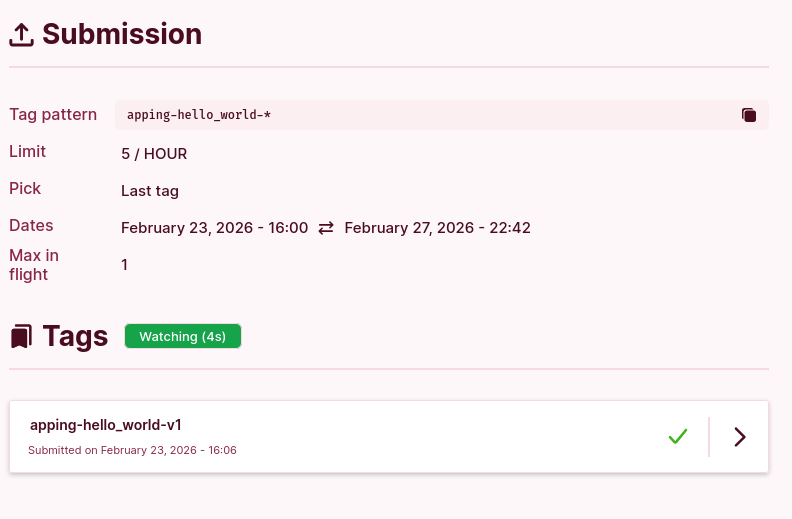
- On any project page with a Tags section, a Watch button appears.
- Click it to start watching. The script polls silently in the background every 5 seconds — no page reloads.
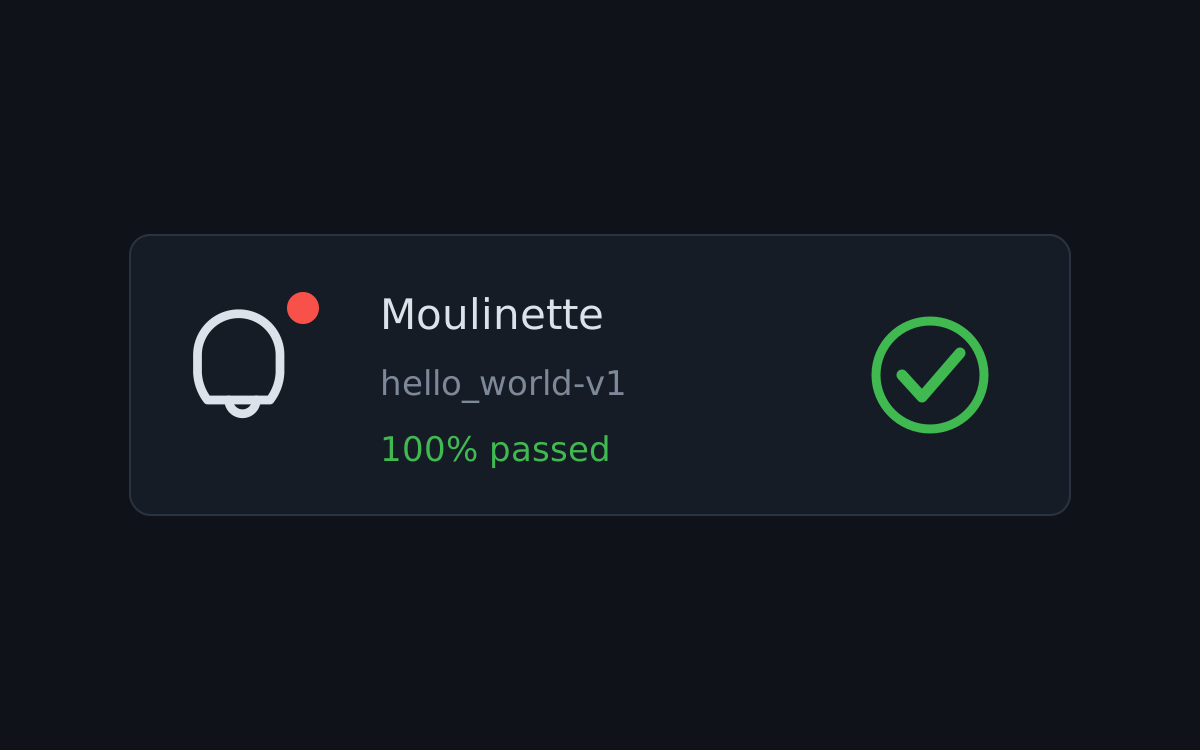
- When new tags finish processing, you get desktop notifications with the project name, tag name, and success percentage.
- The button shows a live countdown to the next poll.
- Already-notified tags are remembered so you won't get duplicate alerts.
- Auto-updates via Tampermonkey when a new version is pushed.
Installation
1. Install Tampermonkey
Tampermonkey is a browser extension that lets you run userscripts on any website.
| Browser | Link |
|---|---|
| Chrome | Chrome Web Store |
| Firefox | Firefox Add-ons |
| Edge | Edge Add-ons |
| Safari | Mac App Store |
2. Install the script
Click the link below — Tampermonkey will open an install prompt automatically:
Install epita-moulinette-notifs.user.js
If the install prompt doesn't appear, you can install manually:
- Open the Tampermonkey dashboard (click the extension icon → Dashboard)
- Go to the Utilities tab
- Paste the raw script URL in Install from URL and click Install
3. Allow notifications
The first time a tag is processed, your browser will ask for notification permissions. Click Allow — otherwise the script can't notify you.
4. Use it
Navigate to any project page on intra.forge.epita.fr that has a Tags
section. You'll see a Watch button. Click it and you're set.
Development
A mock intranet is included for local testing without needing access to the real EPITA Forge intranet.
cd mock-intra
bun serve.ts
Open http://localhost:3000 — you'll see a fake project page with the userscript loaded. Use the Mock Controls panel (bottom-left) to simulate tag submissions at various success rates, reset state, and test notifications.
License
MIT