Alias Manager
A lightweight CLI tool to manage your shell aliases
Quick Start
# Install
brew install kazetachinuu/alias-manager/alias-manager  # macOS/Linux
yay -S alias-manager                                    # Arch Linux

# Setup
am init
source ~/.bashrc  # or ~/.zshrc

# Use
am add gc "git commit -m"
eval "$(am reload)"
gc "my first commit"
Installation
Homebrew (macOS / Linux)
brew install kazetachinuu/alias-manager/alias-manager
Arch Linux
yay -S alias-manager
Debian / Ubuntu
Downloads: latest release
# grab the .deb from the latest release, then:
sudo dpkg -i alias-manager_*_amd64.deb
Other Linux
# grab the tarball for your platform from the latest release, then:
tar -xzf alias-manager-*.tar.gz
sudo install -m 755 am /usr/local/bin/am
From Source
git clone https://github.com/kazetachinuu/alias_manager.git
cd alias_manager
make && sudo make install
Commands
| Command | Description |
|---|---|
am init |
Setup shell integration |
am add <name> <cmd> |
Add or update an alias |
am rm <name> [-f] |
Remove an alias |
am ls [pattern] |
List aliases (optionally filter) |
am reload |
Output reload command: eval "$(am reload)" |
am path |
Show alias file location |
Tip: Create a reload shortcut: am add amr 'eval "$(am reload)"'
Examples
# Git
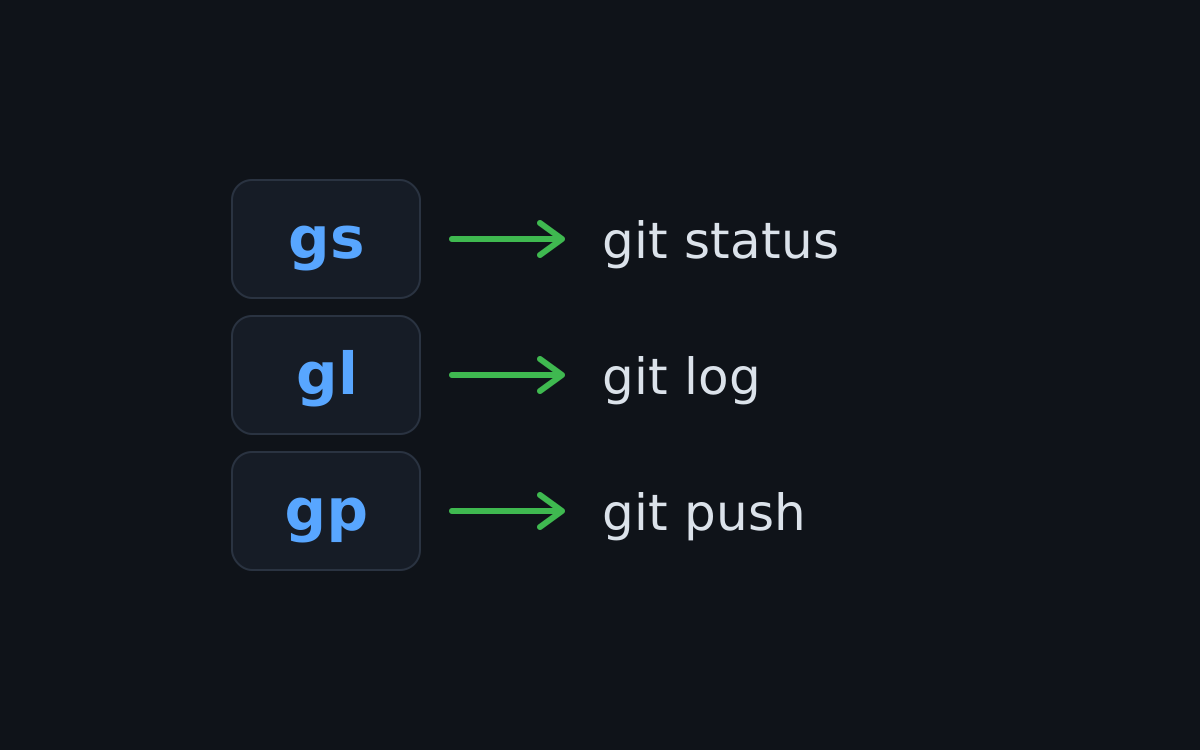
am add gs "git status"
am add gc "git commit -m"
am add gp "git push"

# System
am add update "sudo apt update && sudo apt upgrade -y"
am add myip "curl -s ifconfig.me"

# Navigation
am add projects "cd ~/projects"
Configuration
Aliases are stored at ~/.config/am/aliases.txt (XDG-compliant).
Override with:
export AM_ALIAS_FILE="$HOME/my-aliases.txt"